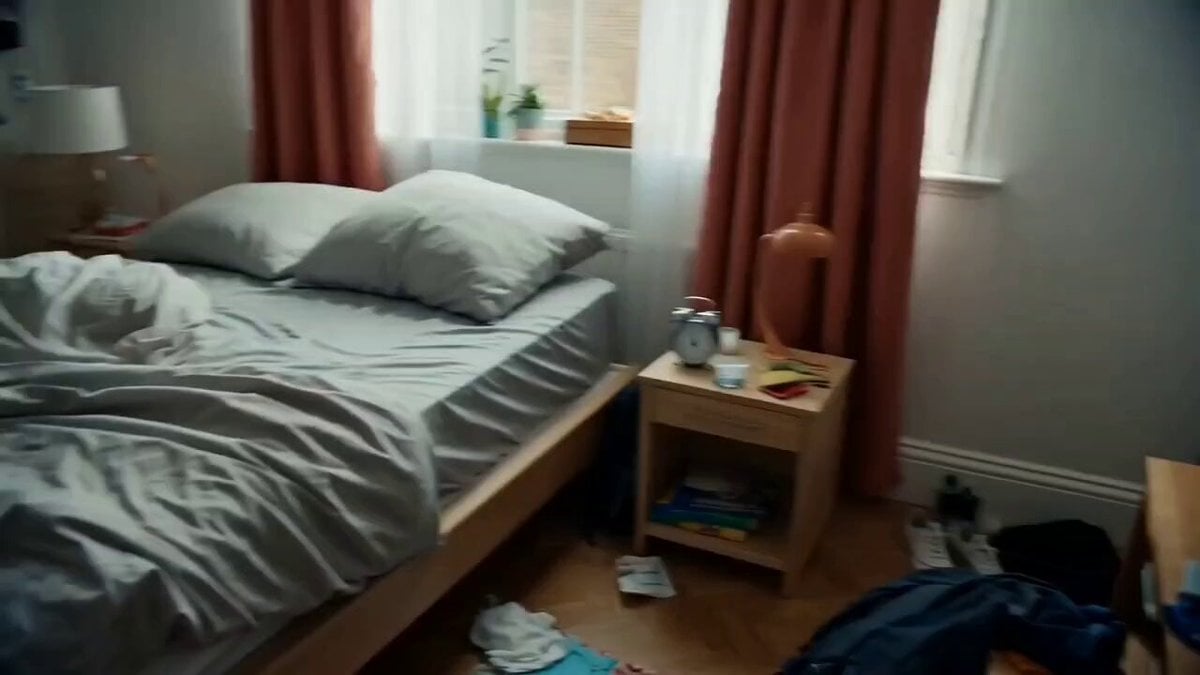
How to Create Multi-Shot Videos in Kling Video 3.0 (video)
ویدیو «How to Create Multi-Shot Videos in Kling Video 3.0 (video)» در Axeto.ai — پلتفرم فارسی تولید و کشف هنر هوش مصنوعی. میتوانید پرامپت را کپی کنید، خروجی مشابه بسازید یا در گالری Axeto الهام بگیرید.
پرامپت
How to Create Multi-Shot Videos in Kling Video 3.0 Kling Video 3.0's Multi-Shot function allows you to set prompts and direction for each scene by scene by combining multiple shots in a single video, allowing you to achieve a more cinematic flow and clear narrative. Brain unit control allows you to control the unfolding and rhythm, and the consistency of characters and objects is maintained stable, and you can produce high-performance results from short advertisement or story-like videos in one go. ➠ click "Custom Multi-Shot" ➠ Enter the prompt for each pack and then select the primary unit time (5 seconds × 3 packs) ➠ Click Generate This is a 15-second video created using Multi-Shot.
![Top-down editorial product photography of [product from uploaded photo] placed oΓǪ (2)؛ محتوای مرتبط هوش مصنوعی در Axeto](/import/telegram-shutter-6314/1.jpg)